
 Business License

Biometric vs. Key Lock: Which Security Desk is Best for Cash Register?
Biometric vs. Key Lock: Which Security Desk is Best for Cash Register?
For retail stores, supermarkets, and jewelry shops, the “Cash Register” desk is the frontline of defense against theft. The locking mechanism on this desk is the barrier between your revenue and potential thieves. When selecting a Security Desk for a Cash Register, the debate often comes down to two main options: Traditional Key Locks vs. Modern Biometric Locks. Which one is right for your business?
The Case for Traditional Key Locks
Key locks have been the standard for centuries. They are simple and mechanical.
Pros:
No batteries or electronics to fail.
Simple to understand for all staff members.
Lower initial cost.
Cons:
Key Management: Keys can be lost, stolen, or duplicated without your knowledge.
Access Speed: Fumbling for keys during a rush or an emergency can be problematic.
Limited Audit: You cannot track who opened the drawer and when.
The Rise of Biometric Fingerprint Locks
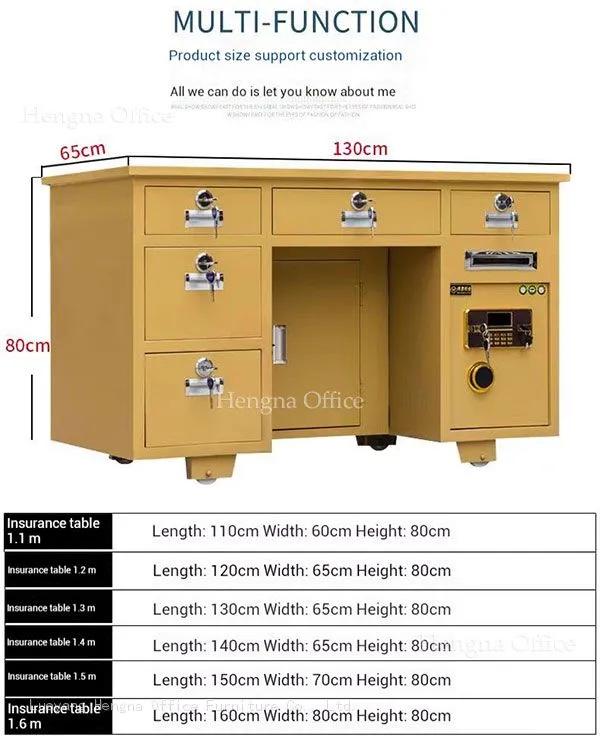
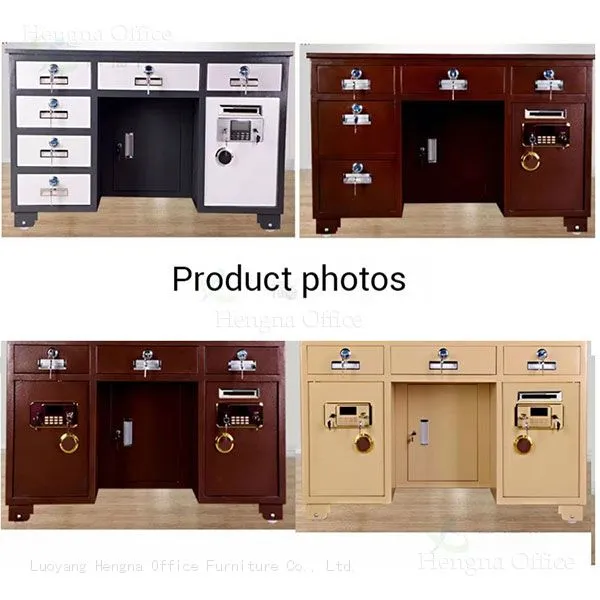
Biometric technology, once reserved for high-security facilities, is now standard in commercial furniture like the SES-110F Smart Safe Desk.
Pros:
No Keys to Lose: Your finger is always with you.
Instant Access: A touch of a finger opens the lock in 0.5 seconds.
Non-Transferable: Unlike a key or password, a fingerprint cannot be secretly shared or stolen.
Access Control: You can easily enroll or delete users (e.g., when an employee quits) without changing the lock.
Cons:
Requires batteries (though emergency backups exist).
Slightly higher upfront investment.
Why the “Triple Unlocking” System is the Best Solution
For a cash register environment, you don’t have to choose. The most reliable security desks, like the SES-110F, offer a Triple Unlocking System that combines the best of both worlds.
Primary Mode (Fingerprint): For daily operations, the manager uses their fingerprint for rapid access. This ensures that only authorized personnel can process refunds or access large bills.
Secondary Mode (Password): If the manager is on break, a temporary password can be issued to a supervisor.
Backup Mode (Mechanical Key): In the rare event of electronic failure, the mechanical key ensures business continuity.
Comparison Table: Cash Register Security
| Feature | Key Lock Desk | Biometric Security Desk (SES-110F) |
|---|---|---|
| Speed of Access | Slow (Find key, insert, turn) | Instant (Touch sensor) |
| Security Level | Low (Keys can be copied) | High (Unique fingerprint) |
| Employee Turnover | High cost (Re-keying locks) | Low cost (Digital deletion) |
| Physical Build | Standard | Thickened Forging + Alloy Door |
| Best For | Low-risk storage | High-traffic retail/Jewelry |
Conclusion
For businesses handling high volumes of cash or valuable goods, the Biometric Fingerprint Lock is superior due to its speed and strict access control. However, the redundancy of having a mechanical backup is crucial. The SES-110F Compact Safe Desk offers this perfect hybrid, making it the ultimate choice for modern retail security.
Recently Posted
-
Stainless Steel Shelving for Breweries and Wineries — What Survives Humidity, Alcohol Spills
July 24, 2026Stainless Steel Shelving for Breweries and Wineries — What Survives Humidity, Alcohol Spills, and Sanitizer Washdowns Three t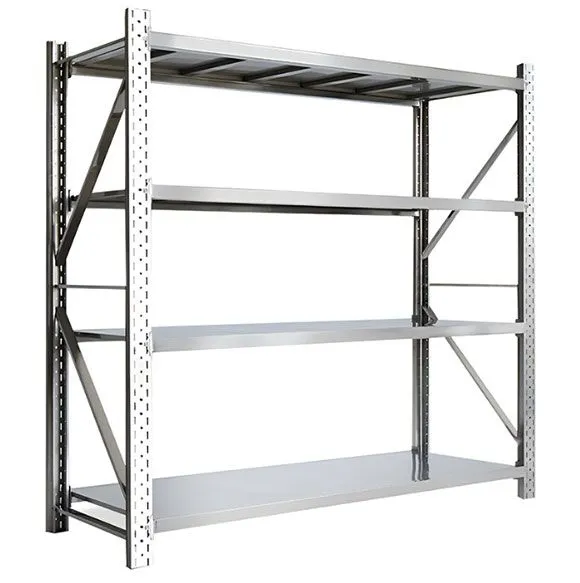 Read More
 -
Stainless Steel Shelving for Meat Processing Plants — What Holds Up Against Blood, Fat, and Daily Wa
July 24, 2026Meat plants are brutal on shelvingIf you work in a meat processing plant, you already know this. The rack that looked fine s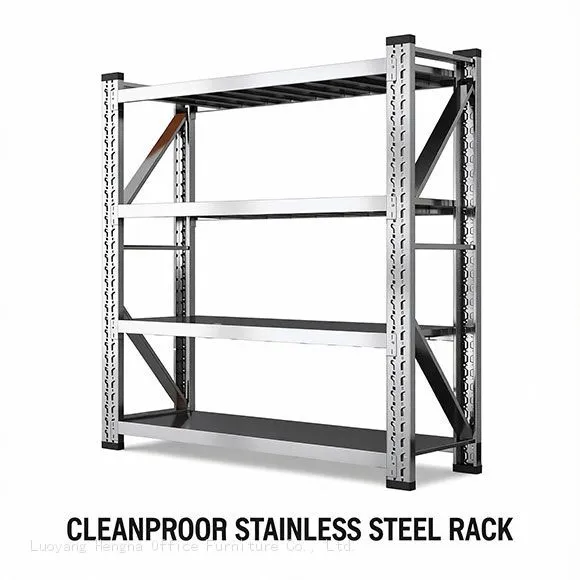 Read More
 -
0.6mm Steel Wardrobe vs 0.4mm — Why Cold-Rolled Single Door Metal Closet Lasts Longer
July 10, 2026The 0.2mm That Decides Whether You Buy One Wardrobe or ThreeTwo wardrobes look identical on a supplier's photo. Same door, sam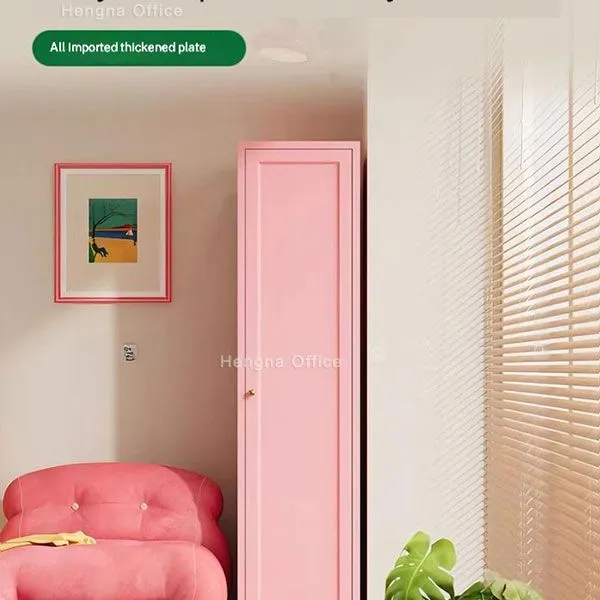 Read More
 -
Heavy Duty Tool Cabinet with Locks for School Shop: Stop Tool Theft Before It Happens
July 9, 2026A vocational school workshop isn't like a factory floor. The tools aren't being used by seasoned machinists who know where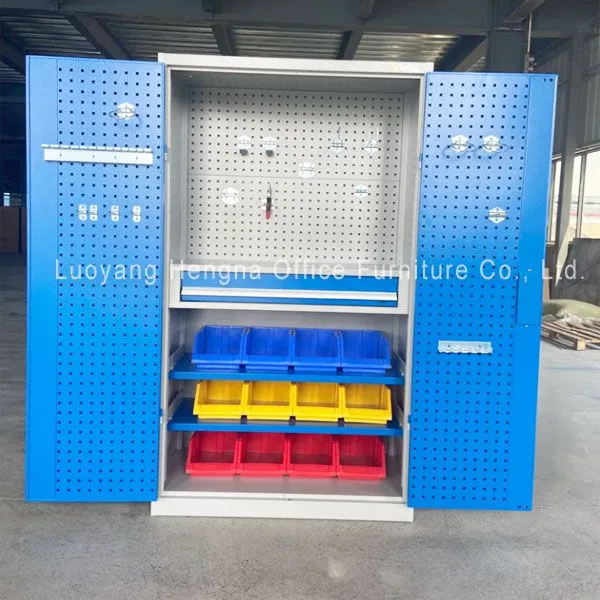 Read More

Contact Us
Recommended Products
-
 Industrial-Grade ABS Plastic Locker for Factory Staff and Warehouse Workers|Hengna OfficeUS$ 19 - 100MOQ: 5 Sets
 -
Outdoor ABS Locker Cabinet – UV-Resistant Plastic Storage for Poolside or Beach Resorts-Hengna OfficeUS$ 19 - 100MOQ: 5 Sets
-
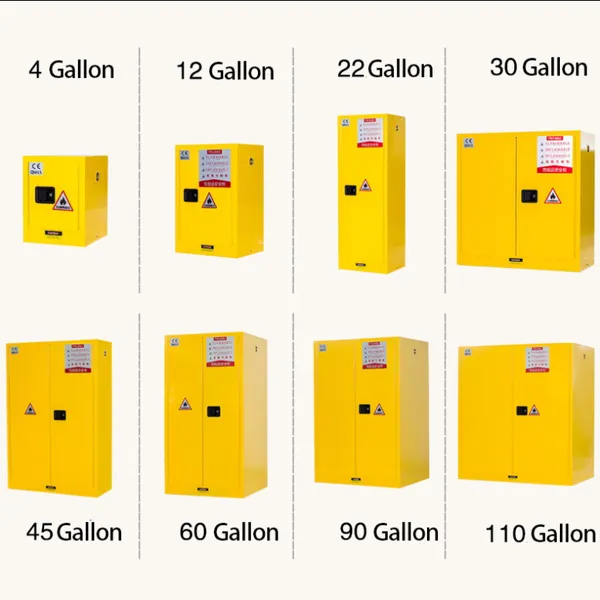
45 Gallon Explosion-Proof Flammable Liquid Storage Cabinet – Fire-Resistant Steel Safety Cabinet for FactoriesUS$ 68 - 400MOQ: 2 Combos
-
Flammable Storage Cabinet for Flammable Liquids – OSHA Certified Safety Cabinet With Fireproof Double WallsUS$ 68 - 400MOQ: 2 Combos
-
Large Capacity Flammable Liquid Storage Cabinet – Explosion-Proof Safety Cabinet for Laboratory & Workshop UseUS$ 68 - 400MOQ: 2 Combos
-
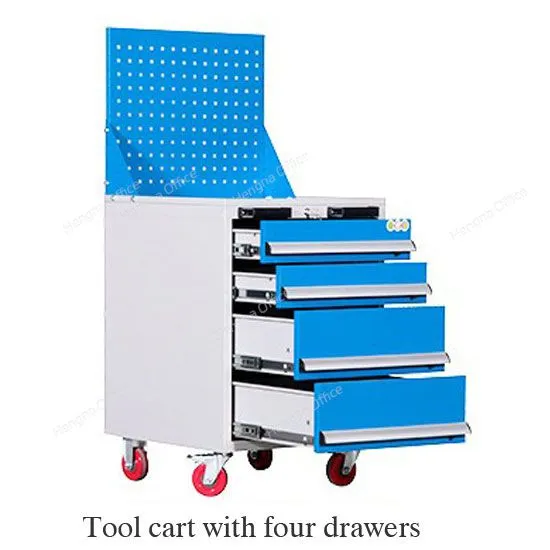
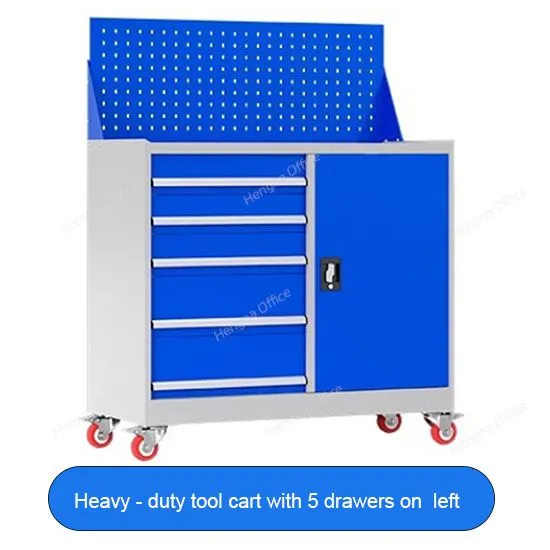
Heavy Duty Steel Tool Cart With Drawers for Workshops|Hengna OfficeUS$ 99 - 269MOQ: 2 Cases
-
Wholesale 3-Drawer Tool Trolley With Wheels for Factory and Garage StorageUS$ 99 - 269MOQ: 2 Cases
-
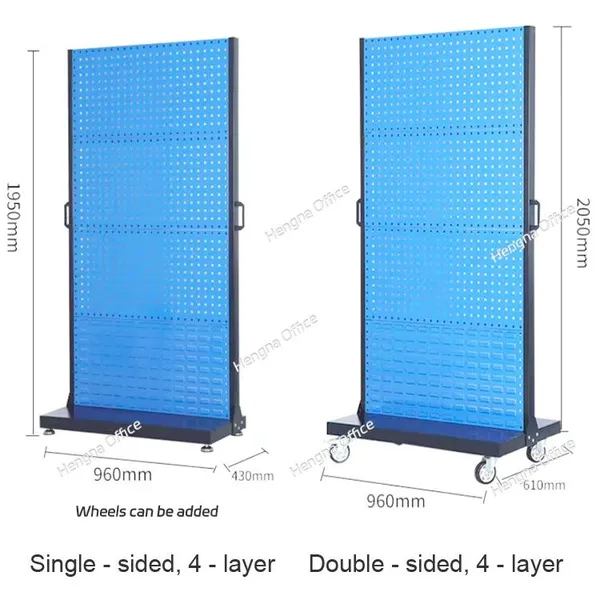
HN-wlj160 Industrial Rolling Tool Organizer With Pegboard|All-in-One Mobile Tool Storage CartUS$ 5 - 120MOQ: 2 Cases
-
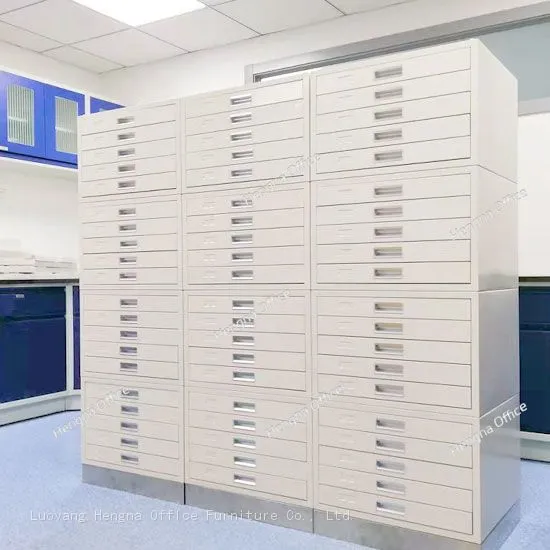
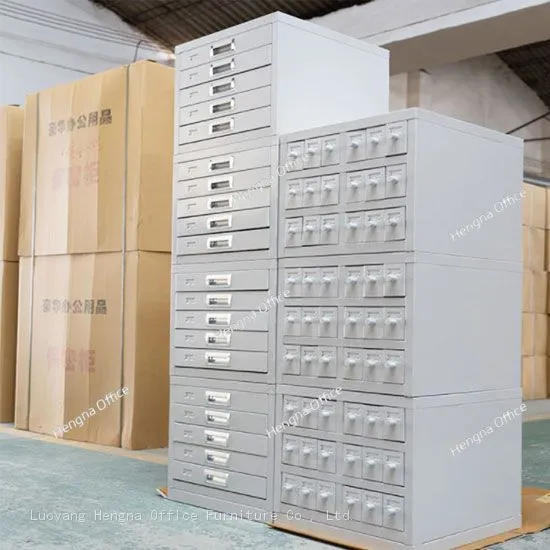
White Stackable Pathology Wax Block Storage Drawers for Labs Near London-Hengna OfficeNegotiableMOQ: 10 Pieces
-
Custom Paraffin Block Storage Cabinet for Histology Laboratories – Factory Direct From Hengna FurnitureNegotiableMOQ: 10 Pieces
-
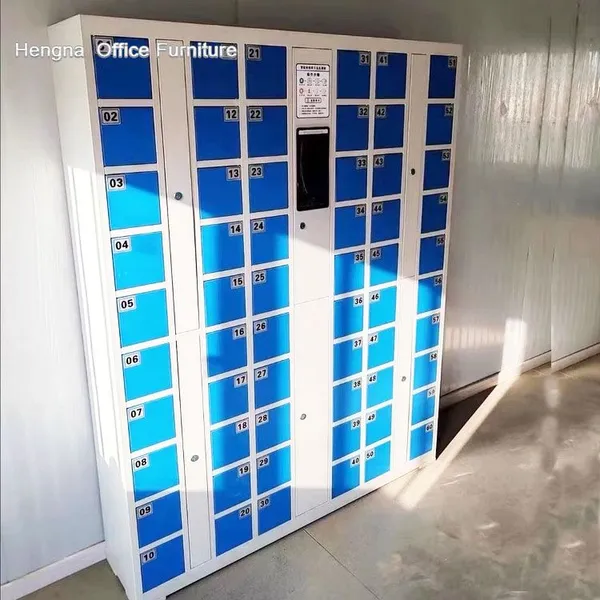
Smart Phone Charging Locker 40-door|Fingerprint Lockers Intelligent Parcel Delivery CabinetUS$ 203 - 750MOQ: 15 Pieces
-
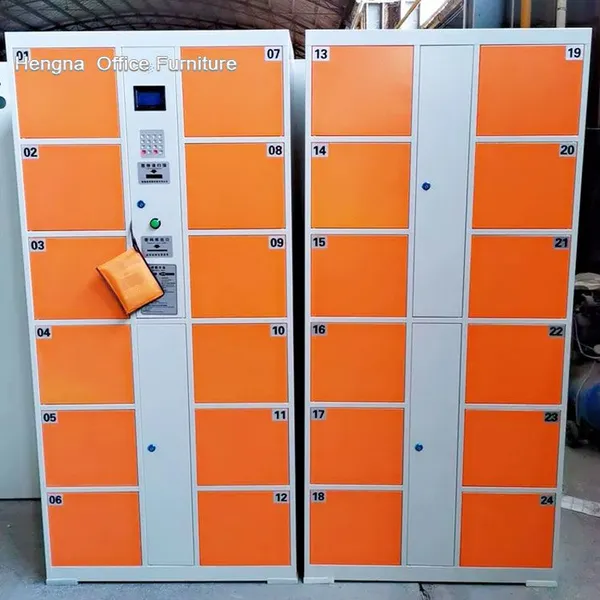
School Gym Lockers Price |Parcel Delivery Storage Locker 12-door FactoryUS$ 203 - 750MOQ: 15 Pieces
-
Multi Metal Work Benches Electrical Workshop Workbench|US$ 300 - 800MOQ: 2 Cases
-
Commercial Workbench Supplier |Multi Metal Work Bench With Drawers OMDUS$ 300 - 800MOQ: 2 Cases
-
Pathological Ection Cabinet JTGZ062 Wax Block Cabinet for LaboratoryNegotiableMOQ: 10 Pieces
-
Durable Tool Storage in Factory HNGJ703 Hard Wearing Metal Industrial Tool ChestNegotiableMOQ: 18 Pieces
-
High - Quality CNC Workshop Tool Cabinet Heavyweight Workshop Tool OrganizerNegotiableMOQ: 10 Pieces
-
Laboratory Polyethylene Acid and Corrosive Chemicals Safety Storage PP CabinetUS$ 340 - 600MOQ: 5 Combos
-
22 Gallons /80 L PP Acid - Base Cabinet: Safeguard Chemical Storage Supplier OEMUS$ 500 - 600MOQ: 5 Combos
-
4 - Gallon Corrosion-resistant Safety Cabinet for Hazardous Chemicals Acid SupplierUS$ 340 - 500MOQ: 5 Combos